Features
Every part of the business, on one system.
Eight parts that share one menu, one stock count and one set of numbers. Every picture below is Tulindo itself, running a café and a shop in Nairobi.
Till
- Ring up a sale from tiles or a barcode, with modifiers, notes and discounts a manager approves.
- Hold a bill by name and pick it up again from any till in the branch.
- Count the drawer blind at the end of a shift; the variance is worked out for you.
Waiter handheld
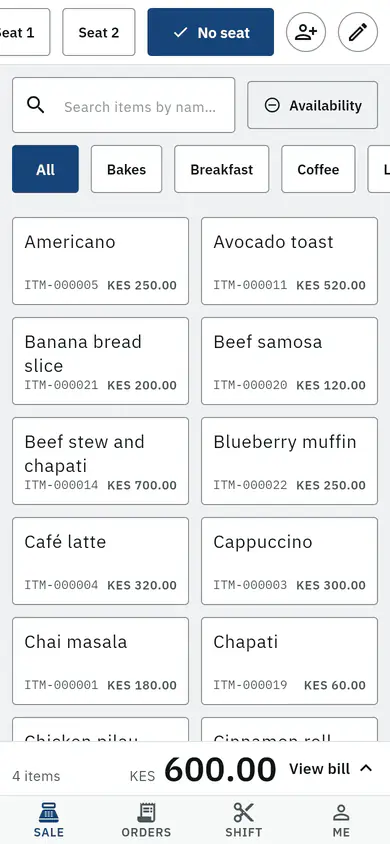
- Take the order at the table, by seat and by course, and send it to the kitchen from the phone.
- See which tables are waiting, which have food ready and which asked for the bill.
- Split the bill three ways and take each share by M-Pesa or cash.

Kitchen display
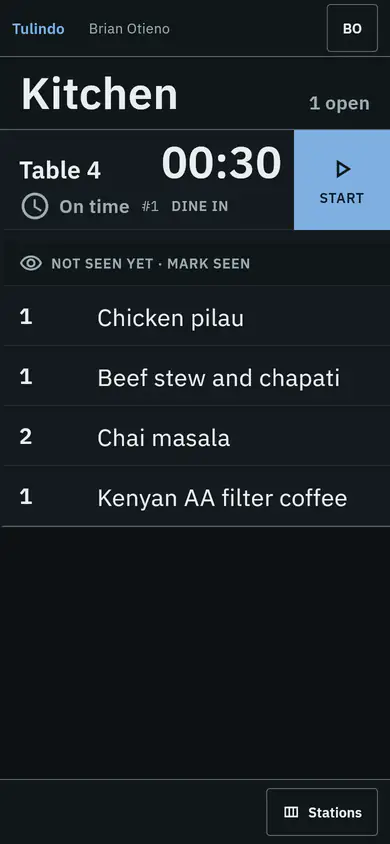
- Tickets arrive at the right station the moment the waiter sends them.
- Bump a course when it is ready and the waiter sees it on their phone.
- Read at two metres, in the dark of a pass, with nothing moving on screen.
Back office and stock
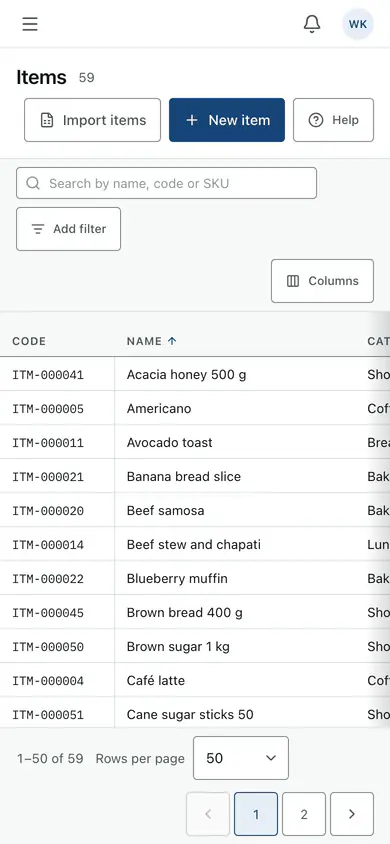
- Keep the menu, prices and recipes in one place for every branch.
- Receive deliveries, move stock between stores and count it, with every change kept.
- See what is running low before the evening rush, not after.
Reports
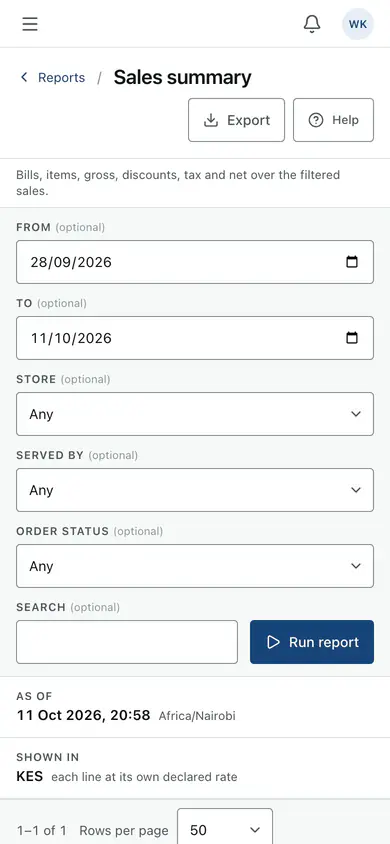
- Sales by day, by item, by waiter and by branch, ready the moment the shift closes.
- Profit by item from the recipe cost, not a guess.
- Download any report for your accountant.
Owner app
- Today's takings across every branch, live, on your phone.
- An alert when a till is out of balance or a device goes quiet.
- Approve a discount or a stock count from wherever you are.

M-Pesa and card
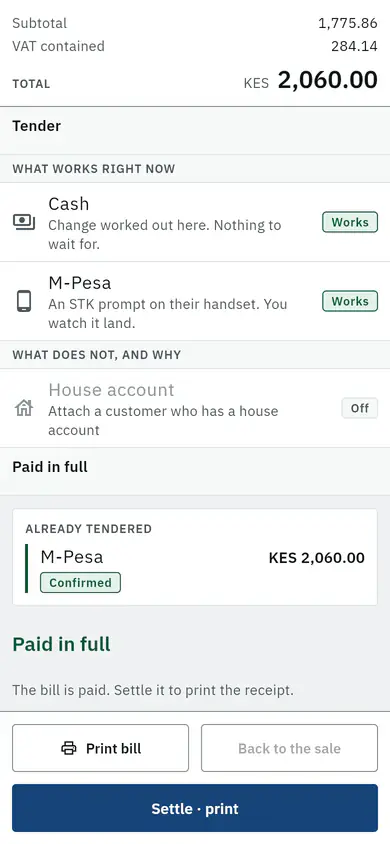
- The till asks the guest's phone for the amount, and the payment lands on the bill.
- A payment that arrives on its own is matched to its bill, or shown to you to match.
- Card machines on Business and Enterprise.